Find information and resources to learn – and teach others – how to tackle common money issues head-on, as well as how to spot, avoid, and report related frauds and scams that can affect your financial well-being. Visit ftc.gov/moneymatters.


The .gov means it’s official.
Federal government websites often end in .gov or .mil. Before sharing sensitive information, make sure you’re on a federal government site.

The site is secure.
The https:// ensures that you are connecting to the official website and that any information you provide is encrypted and transmitted securely.
Find information and resources to learn – and teach others – how to tackle common money issues head-on, as well as how to spot, avoid, and report related frauds and scams that can affect your financial well-being. Visit ftc.gov/moneymatters.
Sign up to connect your community with fraud resources.
Learn about scams disguised as legitimate business offers, coaching programs, and investment opportunities and how to avoid them.
This video shows you how to report scams, fraud, and bad business practices to the Federal Trade Commission at https://ReportFraud.ftc.gov and why it’s important to do it.
Learn how to find out what scams, identity theft, and other consumer issues look like in your area by exploring FTC data at http://www.ftc.gov/exploredata.
You’ve probably gotten calls claiming to be from the Social Security Administration.

Influencers need to tell people if a brand pays them or gives them free stuff. This video tells them how.

Share this short video to help influencers know where they can find out how to stay on the right side of the law.
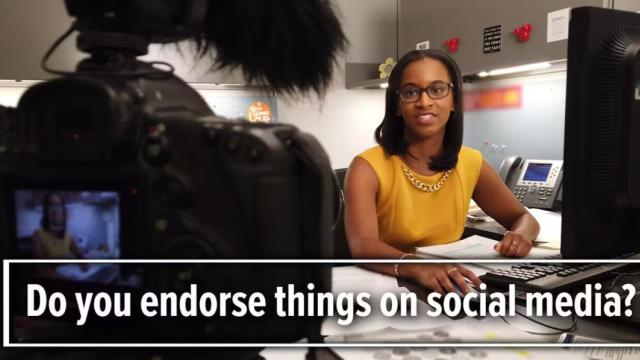
Do you recommend or endorse things on social media? If so, this video has tips to help influencers like you comply with the law.

Trying to lose weight? Watch this video to learn the truth behind weight loss product ads.
Tired of getting unwanted calls on your home phone? This video tells you what you can do about them.
Tired of getting unwanted calls on your mobile phone? This video tells you what you can do about them.
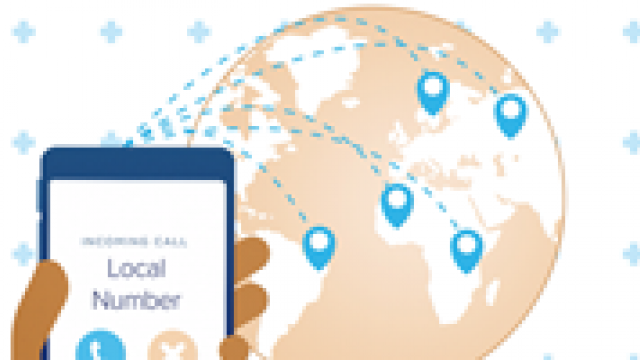
Scammers can use technology to fake the name or number on your caller ID. Even when your caller ID shows a local number, it could be a scammer calling from anywhere in the world.

The first-person story is about a retired nurse’s work-at-home scam experience, and what she did about it.
How to avoid big fees when cashing a paycheck.
What to do if you are having problems making your student loan payments, and how to avoid a student loan debt relief scam.
Learn about directory listing scams and what you can do to protect your business from this scam.
Learn how fake check scams work and how your small business can avoid them.

Learn how to avoid business coaching scams that target your small business.
Learn how office supplies scams happen and how your small business can avoid them.